

Microwave ovens are handy kitchen gadgets. They make cooking easy and fast. But sometimes, they may stop working properly. When this happens, you might need to reset your microwave. This guide will show you how to reset a microwave oven step by step.
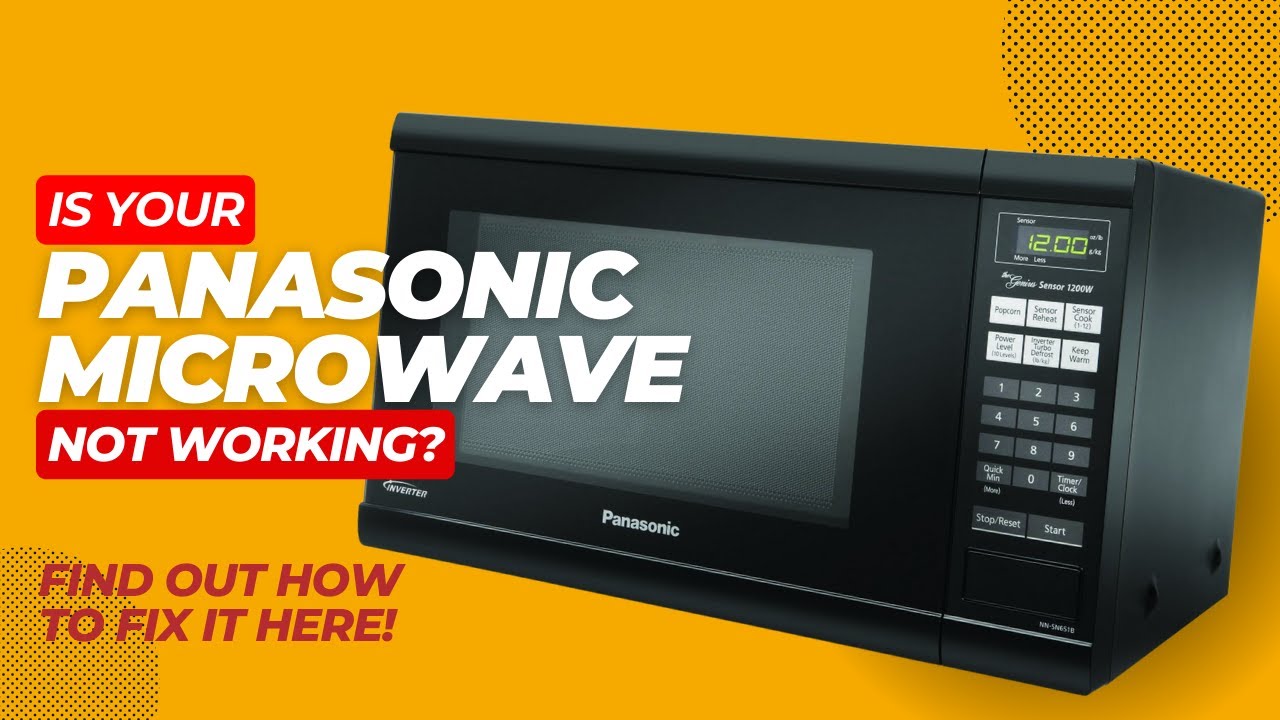
Credit: m.youtube.com
Why Reset a Microwave Oven?
Microwave ovens can have technical issues. These issues can stop them from working. Resetting your microwave can solve many problems. It can fix glitches and restore settings.
- Fixes error codes
- Restores factory settings
- Solves power issues
- Resets the clock
Steps to Reset a Microwave Oven
Follow these steps to reset your microwave:
-
Step 1: Unplug The Microwave
First, unplug the microwave from the power outlet. This will cut off the power supply.
-
Step 2: Wait For A Few Minutes
Leave the microwave unplugged for at least five minutes. This lets the internal memory clear.
-
Step 3: Plug The Microwave Back In
After five minutes, plug the microwave back into the power outlet. The microwave should be reset now.
-
Step 4: Reset The Clock
Many microwaves need the clock reset after a power outage. Follow your microwave’s manual to set the clock.
Common Microwave Problems and Fixes
Sometimes, resetting the microwave is not enough. Here are some common problems and their fixes:
| Problem | Possible Cause | Solution |
|---|---|---|
| Microwave not heating | Faulty door switch | Check and replace the door switch |
| Buttons not working | Control panel issue | Reset the microwave or replace the control panel |
| Microwave sparks | Metal inside the microwave | Remove any metal objects |
| Microwave turns off | Overheating | Let it cool down and reset |
When to Call a Professional
Sometimes, you can’t fix the microwave yourself. If resetting doesn’t work, call a professional. Here are some signs that you need expert help:
- Microwave makes loud noises
- Burning smell from the microwave
- Microwave display not working
- Microwave doesn’t power on
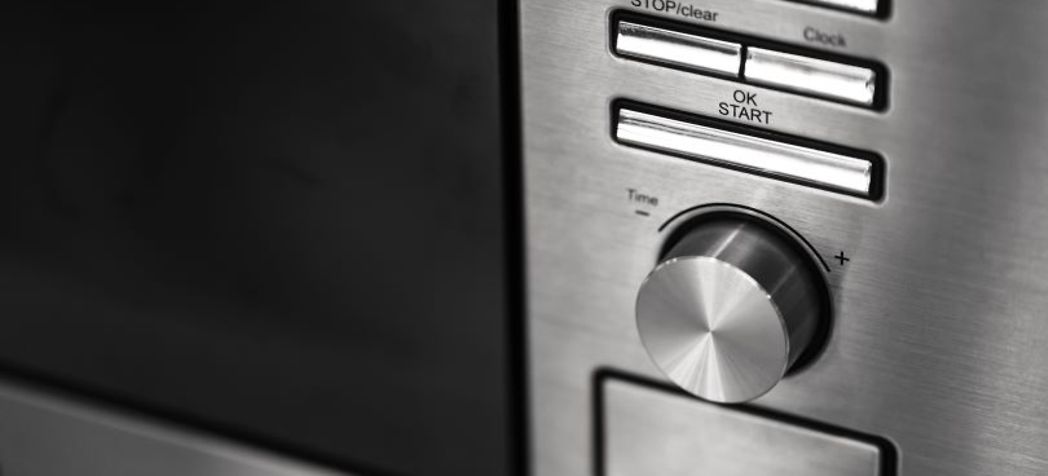
Credit: www.partstown.com
Microwave Maintenance Tips
Keep your microwave in good condition with these tips:
- Clean the microwave regularly
- Don’t use metal inside the microwave
- Check the door seal
- Follow the user manual
Frequently Asked Questions
How To Reset A Microwave Oven?
Unplug the microwave for 5-10 minutes, then plug it back in.
What Causes A Microwave To Need Resetting?
Power surges, software glitches, or incorrect settings often require a reset.
Can Resetting Fix A Non-working Microwave?
Yes, a reset can resolve minor issues and restore functionality.
Is Resetting A Microwave Safe?
Yes, it is a safe and straightforward troubleshooting step.
How Often Should I Reset My Microwave?
Only reset when experiencing issues; it’s not necessary regularly.